Finder Windows for macOS Adds Panel Docking, Restores Custom Icon Display


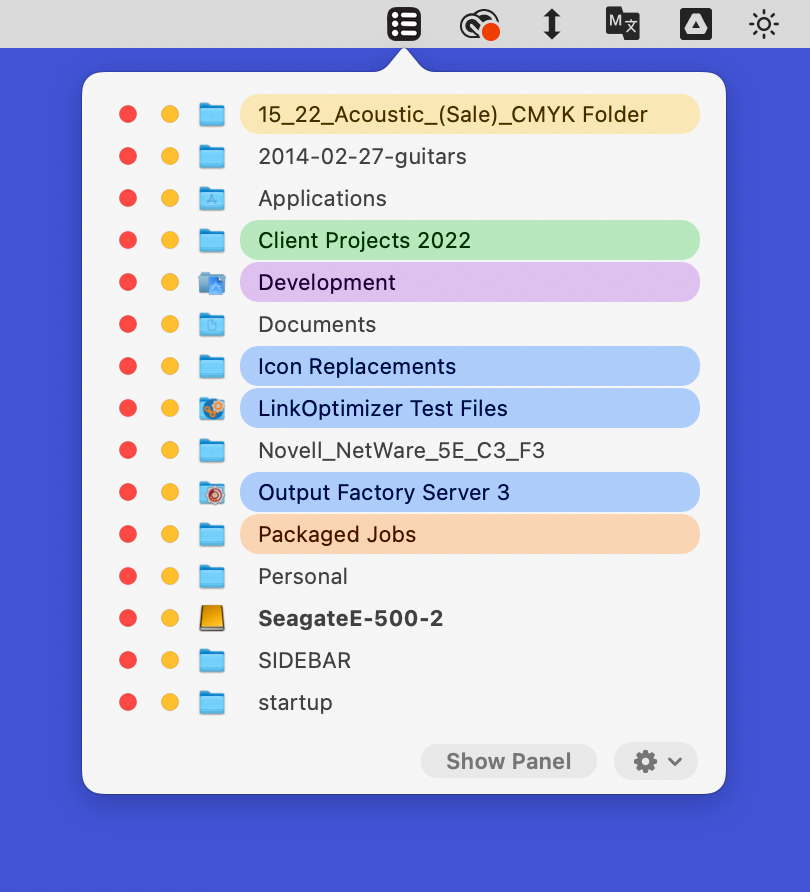
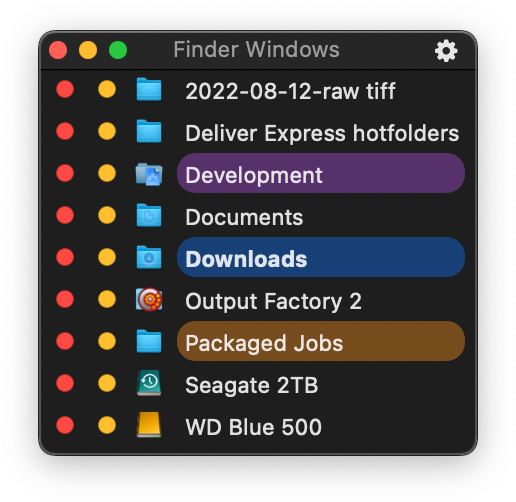
Zevrix Solutions announces Finder Windows 1.7, a feature update to company’s macOS Finder windows access tool. The app is a solution for a cluttered Finder; it lets users easily access the desired open folders without sifting through open windows.
(YorkPedia Editorial):- Toronto, Ontario Jul 28, 2026 (Issuewire.com) – Zevrix Solutions today announces the release of Finder Windows 1.7, a feature update to the company’s tool that streamlines user access to the desired Finder windows on a cluttered desktop. The app redefines user interaction with Finder windows, eliminating the common struggle of navigating a cluttered desktop.
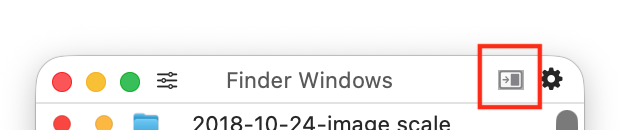
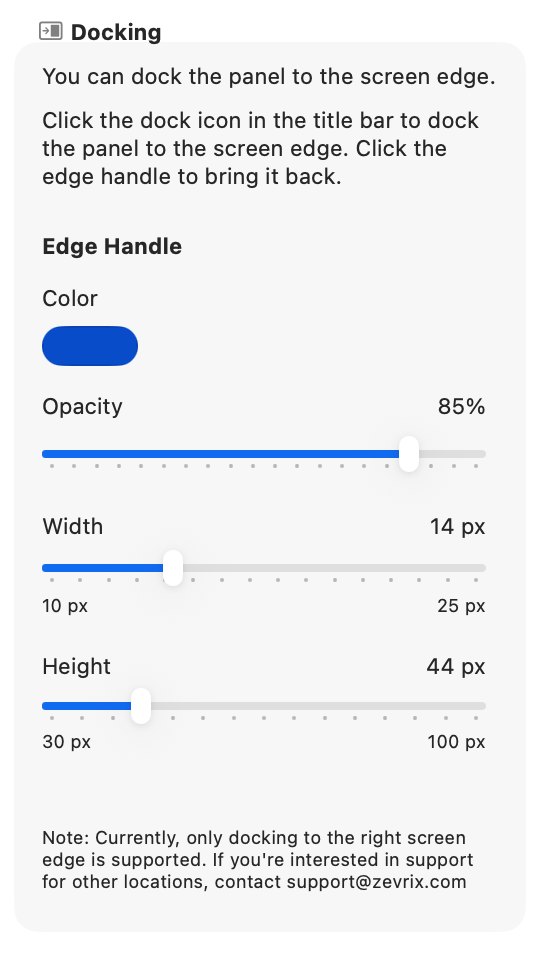
The new version lets users dock the app’s panel to the screen edge, where it can then be easily brought back from the screen edge handle. This helps users quickly get the panel out of the way when it obscures important elements of the user workspace. Users can then simply click the screen edge handle to recall the panel for easy Finder folder access. Users can customize the handle appearance in the preferences.
In addition, the update introduces the following new options and fixes:
-A button to open the Finder Windows preferences instantly is added to the title bar.
–Restored custom folder icon display on macOS 26 Tahoe and later.
-Fixed an issue of excessive memory consumption after prolonged use.
-Once the trial period has expired, users can now run the app indefinitely in the free mode with some limitations.
-The earliest supported macOS version is now 13 (Ventura); a separate download for earlier versions is available.
Sporting diverse user preferences, Finder Windows offers the option to float in all open apps or exclusively in the Finder, as well as a menu item popover panel. It’s the ultimate solution for Mac users who routinely engage with the Finder, maintain multiple open Finder windows, and find conventional Finder tabs unsuitable for efficient file management.
Pricing and Availability:
Finder Windows can be purchased from the FinderWindows.com for US$9.95, as well as from authorized resellers. 30-day trial is also available for download. Finder Windows requires macOS 10.13-27.x.
About Zevrix Solutions
Located in Toronto, Canada, Zevrix Solutions provides productivity solutions for Adobe Creative Cloud software, PDF and graphic file diagnostics, file delivery, and Microsoft Office on macOS. Zevrix is dedicated to help professionals increase their profits through automating everyday tasks, producing error-free documents, saving disk space and cutting production costs. For more information, visit www.zevrix.com.
CONTACT INFO:
Leo Revzin
Owner
858-206-0607